ACH Return Code R02 Meaning – Why Payroll or Direct Deposit Was Rejected
ACH return code R02 means the bank account is closed or not found. Learn why payroll failed, what causes R02, and how long it takes to get paid.
Taylor Reed
2/13/20262 min read
What Is ACH Return Code R02?
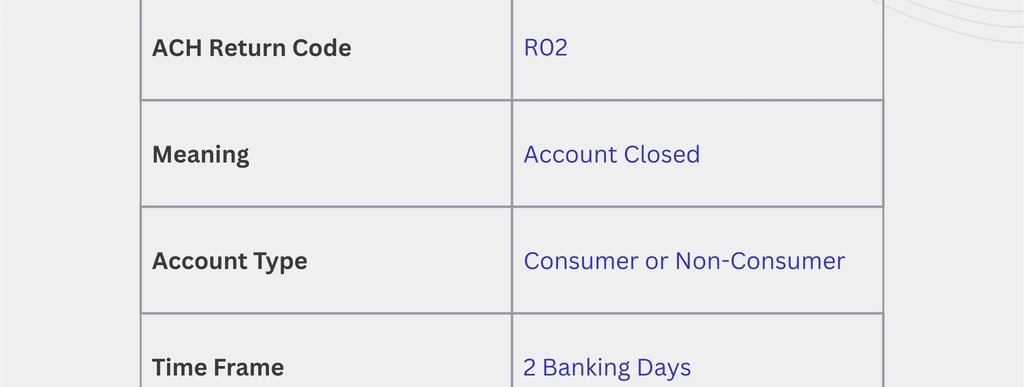
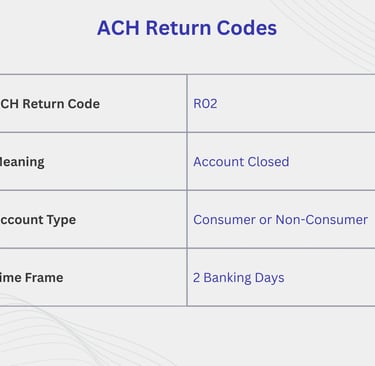
ACH Return Code R02 means “Account Closed” or “Account Not Found.”
It indicates that the receiving bank could not locate an active account using the account number provided for the ACH transaction. As a result, the payroll or direct deposit was rejected and returned.
In simple terms:
👉 The bank tried to deposit your paycheck, but the account does not exist or is no longer active.
Why Does ACH Return Code R02 Happen?
R02 is triggered by bank account issues on the employee side, most often related to outdated or incorrect banking information.
Common causes include:
Bank account was closed
Account number entered incorrectly
Account changed but payroll not updated
Old bank details still on file
Payroll system using invalid account data
New account not fully activated
Unlike R01, this is not a payroll funding issue.
Either way, payroll cannot complete until bank details are corrected.
What Happens After an ACH R02 Return?
When R02 occurs:
Bank rejects the deposit
Funds are returned to the employer
Payroll system marks payment as failed
Employer must correct bank details
Payroll must be reissued
No funds ever reach the employee’s account.
How Long Does It Take to Get Paid After R02?
Typical timelines:
1–2 business days after bank details are corrected
3–5 business days if payroll approval is required
Longer if employer delays reprocessing
Payment will not resume until valid account details are confirmed.
Will Payroll Be Automatically Re-Sent?
Usually no.
Most payroll systems require:
Manual bank detail verification
Payroll re-approval or off-cycle payroll
Re-submission of ACH payment
Employees often need to notify payroll or HR to trigger action.
Can ACH R02 Happen Again?
Yes, if:
Bank details are entered incorrectly again
Account is still closed
Employer submits payroll before changes take effect
Prenote or verification fails
Double-checking details prevents repeat failures.
What Should Employees Do If They See ACH R02?
Act immediately:
Confirm your bank account is active
Verify account and routing numbers
Update bank details in payroll system
Notify HR or payroll team
Ask when payment will be reissued
Delays usually happen when step #4 is skipped.
Is ACH R02 a Legal Payroll Issue?
It can be.
Even if bank details were incorrect, employers are still required to:
Pay wages within legal time limits
Reissue payment promptly once corrected
Extended delays may still trigger wage claims or penalties, depending on state law.
R02 vs Other ACH Return Codes
R01 – Insufficient funds (employer account)
R02 – Account closed or not found
R03 – Invalid account number
R10 – Unauthorized transaction
R29 – Corporate account not authorized
R02 is one of the most common ACH errors after bank changes.
Read More: